
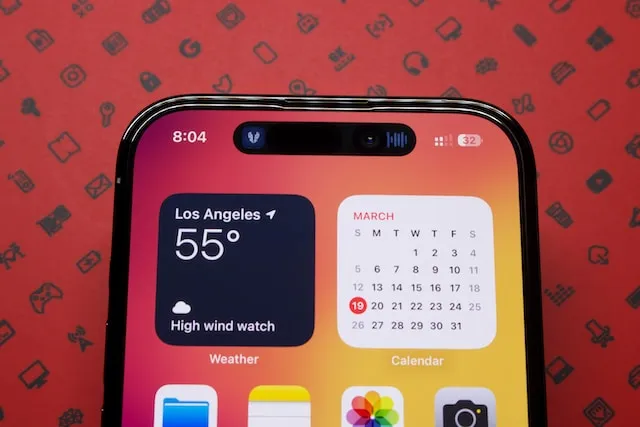
Display technology in 2026 has reached unprecedented maturity. OLED is no longer a monolithic category—it has diversified into revolutionary architectures including Tandem OLED, MLA+ WOLED, and Gen 3 QD-OLED. Simultaneously, LCD technology has pushed its own boundaries through high-density Mini-LED backlighting. This comprehensive guide provides a refreshed 2026 overview of the fundamental advantages, trade-offs, and burn-in realities of modern OLED compared to LCD and Mini-LED displays.
Advantages of Modern OLED Screens in 2026
1. True Per-Pixel Blacks and Infinite Contrast
Because OLED pixels are self-emissive, individual subpixels can completely turn off when displaying black, achieving a true black luminance level of 0.0005 nits or absolute zero. In contrast, even premium Mini-LED LCD panels with thousands of local dimming zones suffer from microscopic light bleed (blooming/haloing) around bright objects, stars, or white movie subtitles set against dark scenes. OLED offers an infinite dynamic contrast ratio, providing breathtaking depth and cinematic realism in HDR content.
2. Groundbreaking Brightness: Tandem OLED, MLA+, and QD-OLED Gen 3
Historically, OLED struggled against high-ambient sunlight. In 2026, third-generation panel architectures have shattered previous brightness barriers:
- Tandem OLED: Stacks two organic emissive layers in series (featured in the Apple iPad Pro M4 and high-end automotive displays). This dual-stack architecture produces up to 1000 nits full-screen sustained brightness and 1600 nits peak HDR highlights while operating at lower per-layer current density.
- MLA+ (Micro Lens Array Plus) WOLED: Utilizing billions of microscopic convex lenses per panel (LG G4/G5 and high-end gaming monitors), MLA+ extracts previously trapped internal light rays, vaulting small-window peak brightness past 3000 nits.
- QD-OLED Gen 3: Samsung Display's quantum dot OLED panels achieve 3000 nits peak brightness, deliver an expansive color volume exceeding 90% Rec.2020, and feature an optimized subpixel layout that drastically reduces the text color fringing of early generations.
3. Near-Instantaneous Pixel Response Times (<0.03ms)
While Fast-IPS and VA LCD panels boast grey-to-grey (GtG) response times between 1ms and 5ms (often relying on aggressive voltage overdrive that causes overshoot ghosting), OLED pixels switch states in under 0.03 milliseconds. This virtually eliminates motion blur and smearing during fast-paced competitive gaming, making OLED the unrivaled champion for motion clarity.
4. Ultra-Thin, Flexible, and Foldable Form Factors
Without the bulky multi-layer stack of LED backlights, diffusers, and polarization filters required by LCDs, OLED panels are up to 50% thinner and significantly lighter. This thin profile enables ultra-sleek laptops, tri-fold smartphones, curved gaming monitors, and bendable display prototypes.
5. Independent Pixel Efficiency & Always-On Display
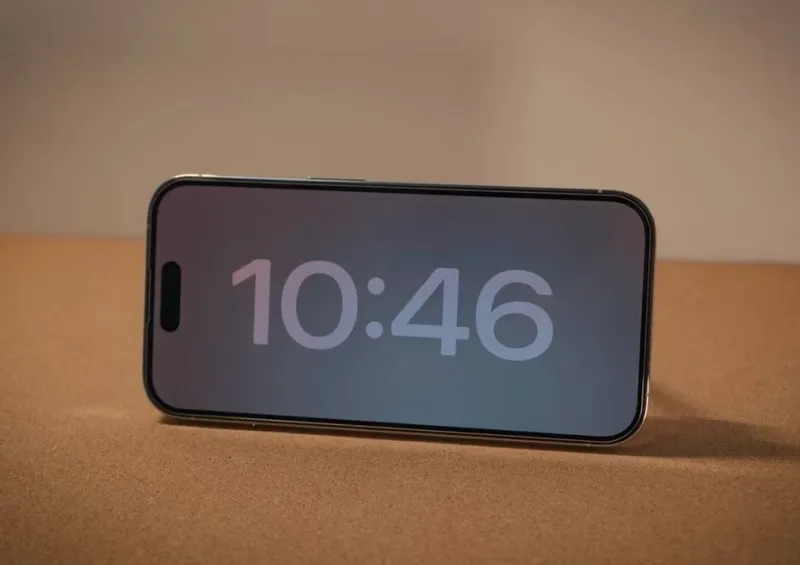
OLED power consumption scales directly with the average picture level (APL). When displaying dark interfaces or system-wide Dark Mode, power consumption drops by 30% to 50% compared to equivalent LCDs. This facilitates seamless Always-On Displays (AOD) on smartphones and wearables with negligible battery drain.
Disadvantages & Real-World Burn-in Considerations
1. Cumulative Organic Degradation & Static Burn-in
Because OLED pixels are composed of organic molecules, they naturally degrade as electrical current passes through them. Displaying non-moving high-contrast elements (such as Windows taskbars, Bloomberg financial terminals, static game HUDs, or persistent news chyrons) causes subpixels in those zones to age faster than surrounding areas, leaving permanent ghost outlines.
Real-World Mitigation in 2026: Modern displays incorporate multi-tiered burn-in countermeasures:
- Deuterium-enhanced blue emitters that dramatically improve molecular thermal stability.
- Graphene and copper vapor chamber heat spreaders to prevent localized heat accumulation.
- Autonomous pixel-refresh and compensation cycles that rebalance subpixel voltages during standby.
- Real-time logo luminance limiters and pixel-shift algorithms.
If you use an OLED monitor or phone for long work sessions, we strongly suggest periodically verifying panel uniformity with our free online Screen Diagnostics & Burn-in Tool to catch retention before it becomes permanent.
2. Full-Screen Sustained Brightness & ABL
To prevent thermal runaway and protect the power supply, OLED monitors and TVs utilize an Automatic Brightness Limiter (ABL). While small highlights can flash at 1000–3000 nits, displaying a full-screen white document or spreadsheet will force the panel to dim to between 250 and 450 nits. Premium Mini-LED LCDs, by contrast, can sustain 1000 to 2000 nits across 100% of the screen indefinitely.
3. Low-Brightness PWM Dimming
Most mobile and some desktop OLEDs utilize Pulse Width Modulation (PWM) to regulate low brightness levels. Even with modern high frequencies (1440Hz–4320Hz), sensitive users may still suffer ocular headaches and eye fatigue during dim-room viewing.
The Continuing Strengths of Mini-LED and Standard LCD
- Complete Immunity to Burn-in: Inorganic liquid crystals and LED backlights cannot burn in, making LCD the ideal choice for 24/7 static security displays, coding workstations, and trading desks.
- Uncompromised Full-Field Brightness: Mini-LED displays blast past ambient sunlight in brightly lit living rooms or sunlit offices without aggressive ABL dimming.
- Flicker-Free DC Dimming Comfort: Quality IPS LCDs feature continuous direct current backlights, eliminating PWM flicker entirely.
- Cost Efficiency: Standard LCDs remain significantly more affordable to manufacture at scale.
2026 Display Technology Comparison Table
| Feature | Modern OLED (Tandem / MLA+ / QD-OLED Gen 3) | Mini-LED LCD (FALD) | Standard IPS / VA LCD |
|---|---|---|---|
| Black Level & Contrast | True 0.0005 nits, Infinite contrast (per-pixel shutoff) | Deep blacks (~0.01 nits), minor blooming around bright objects | Greyish blacks (0.5–1.5 nits), light bleed, 1000:1 to 4000:1 |
| Peak HDR Brightness | 1600 to 3000 nits (small windows) | 1500 to 3000 nits (small to mid windows) | 350 to 600 nits |
| 100% Full-Field White | 250 to 450 nits (limited by ABL) | 1000 to 2000 nits (no ABL dimming) | 350 to 500 nits (sustained) |
| Response Time (GtG) | <0.03 ms (near-zero motion blur) | 1 to 4 ms (slight trailing/overshoot) | 4 to 8 ms (motion smearing) |
| Color Volume & Gamut | Up to 90% Rec.2020 / 99.3% DCI-P3 | 80–85% Rec.2020 / 95–98% DCI-P3 | 70–75% Rec.2020 / 90–95% DCI-P3 |
| Burn-in Risk | Low in mixed use; moderate with 24/7 static UI | Zero burn-in risk | Zero burn-in risk |
| Viewing Angles | Near-flawless color and contrast stability | Good, minor off-angle blooming | IPS: Good; VA: Noticeable color shift |
| Eye Comfort & Dimming | Mixed (High-Hz PWM at low brightness) | Mixed (Mini-LED zone switching or PWM) | Excellent (Full-range DC dimming on IPS) |
| Best Use Scenarios | Cinematic HDR, AAA gaming, creative color grading | Bright office productivity, sports, sunny rooms | Budget setups, text documents, 24/7 static monitors |
Summary & Buying Advice
If your priority is unmatched contrast, pinpoint HDR highlights, and instant gaming response, a modern 2026 OLED monitor or television (especially featuring Tandem, MLA+, or QD-OLED Gen 3) is without equal. If your primary workload involves static desktop productivity in a bright room or 24/7 static software without babysitting burn-in precautions, Mini-LED or high-grade DC-dimmed IPS LCD remains the smarter practical choice.
Whatever your hardware setup, maintain your display's peak performance and check for early signs of image persistence with our browser-accessible Screen Diagnostics & Burn-in Tool.